
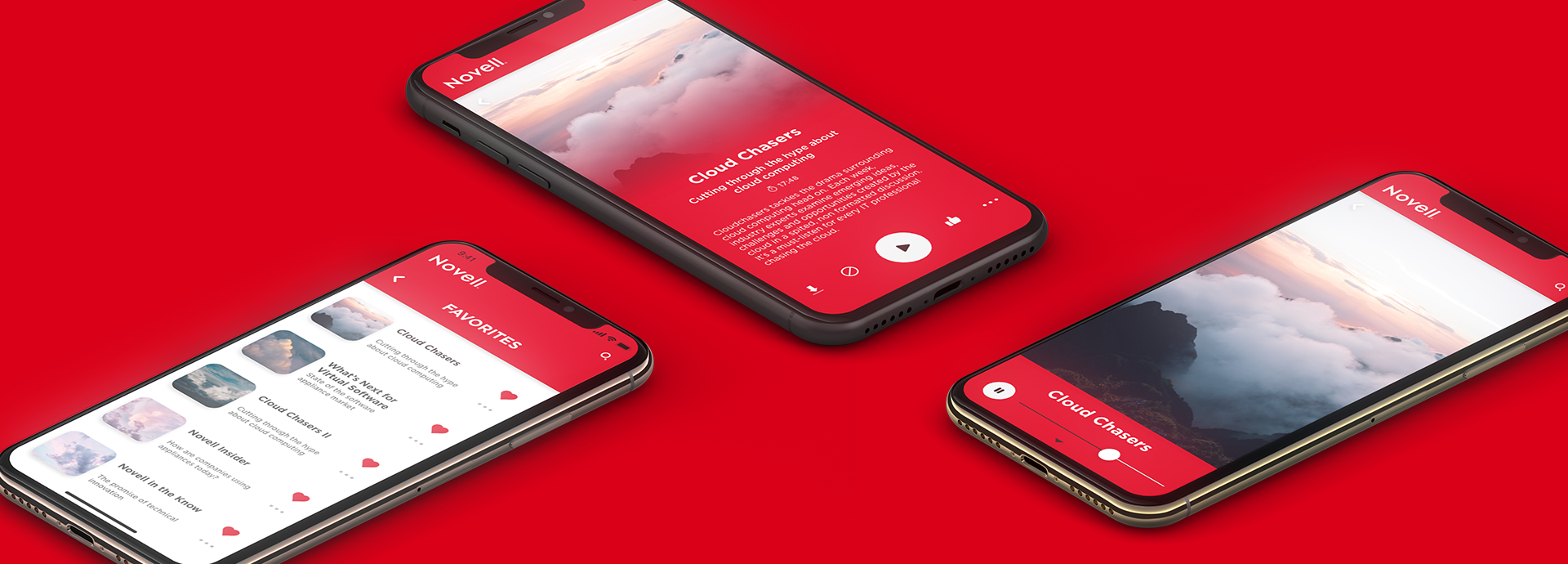
Novell In Hand
Android UI Modernization
Client: Novell
Focus: UI Design | Design Systems
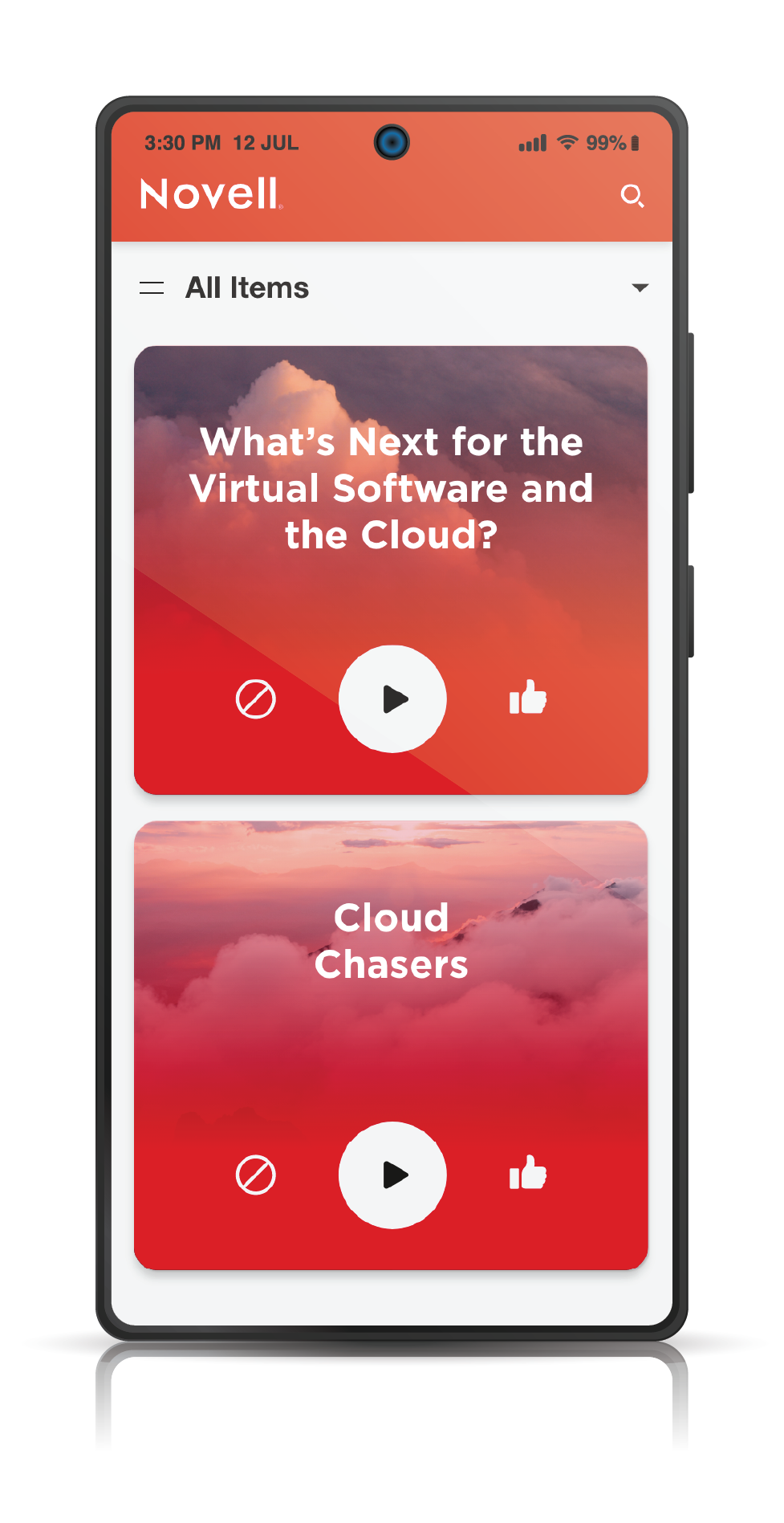
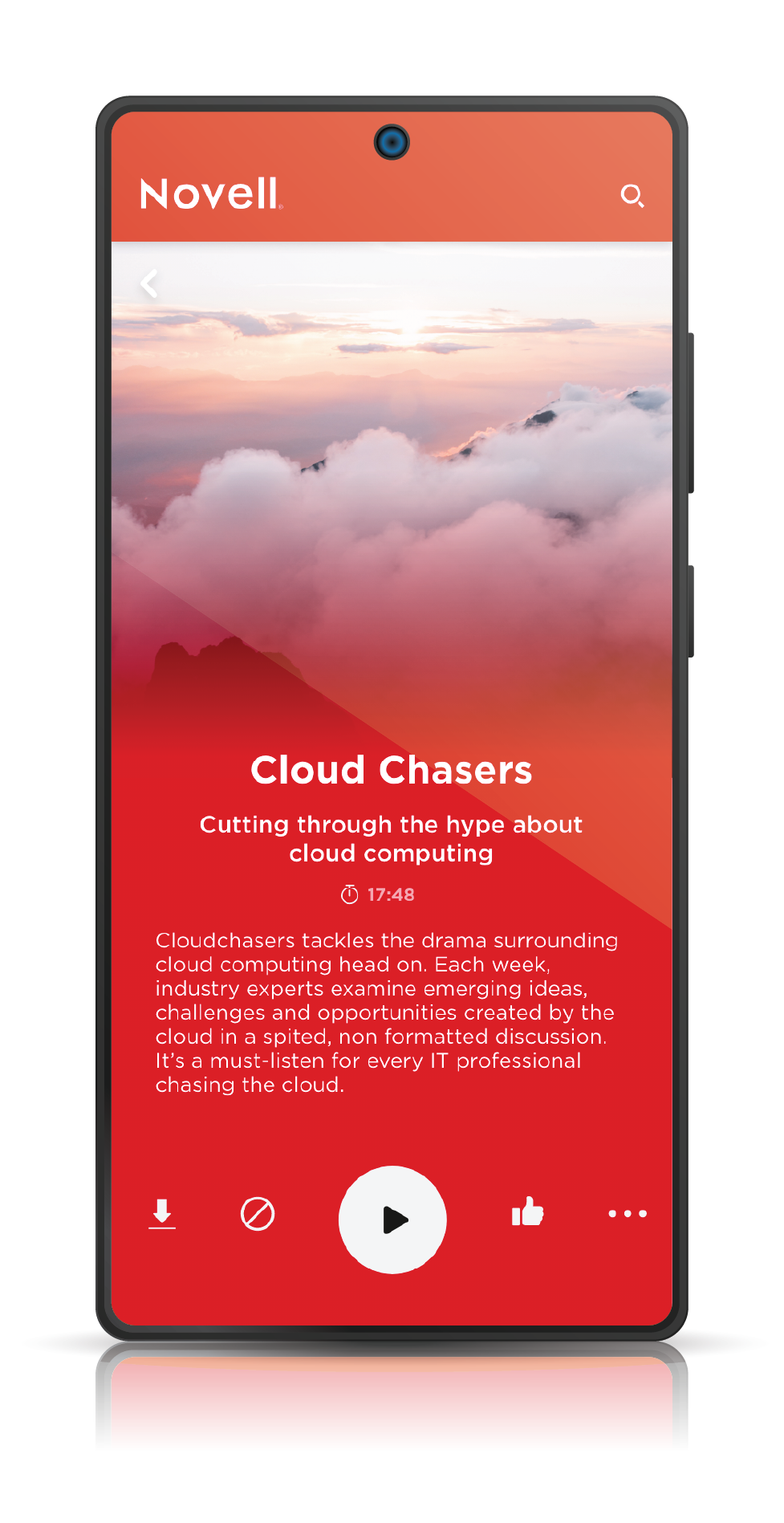
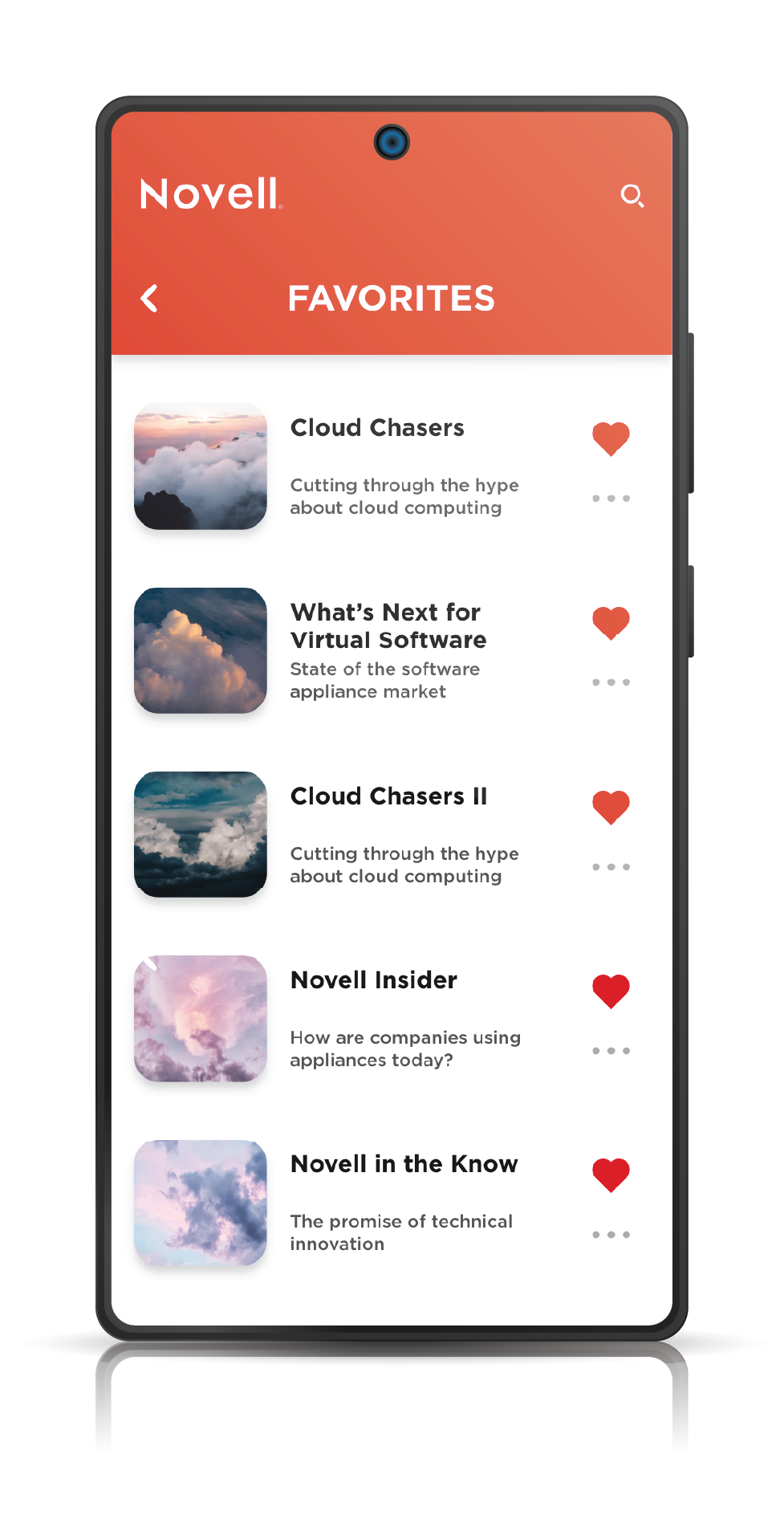
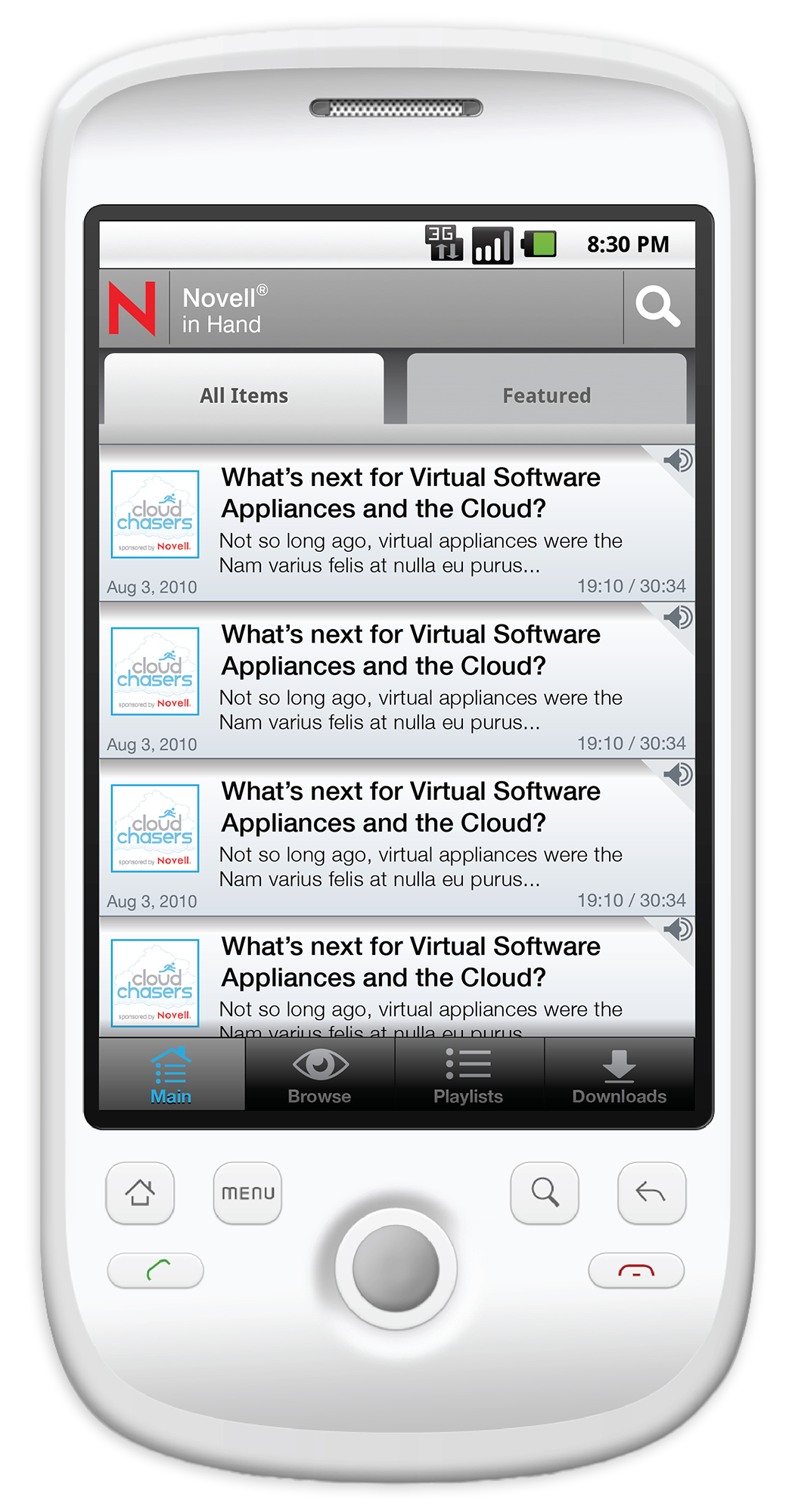
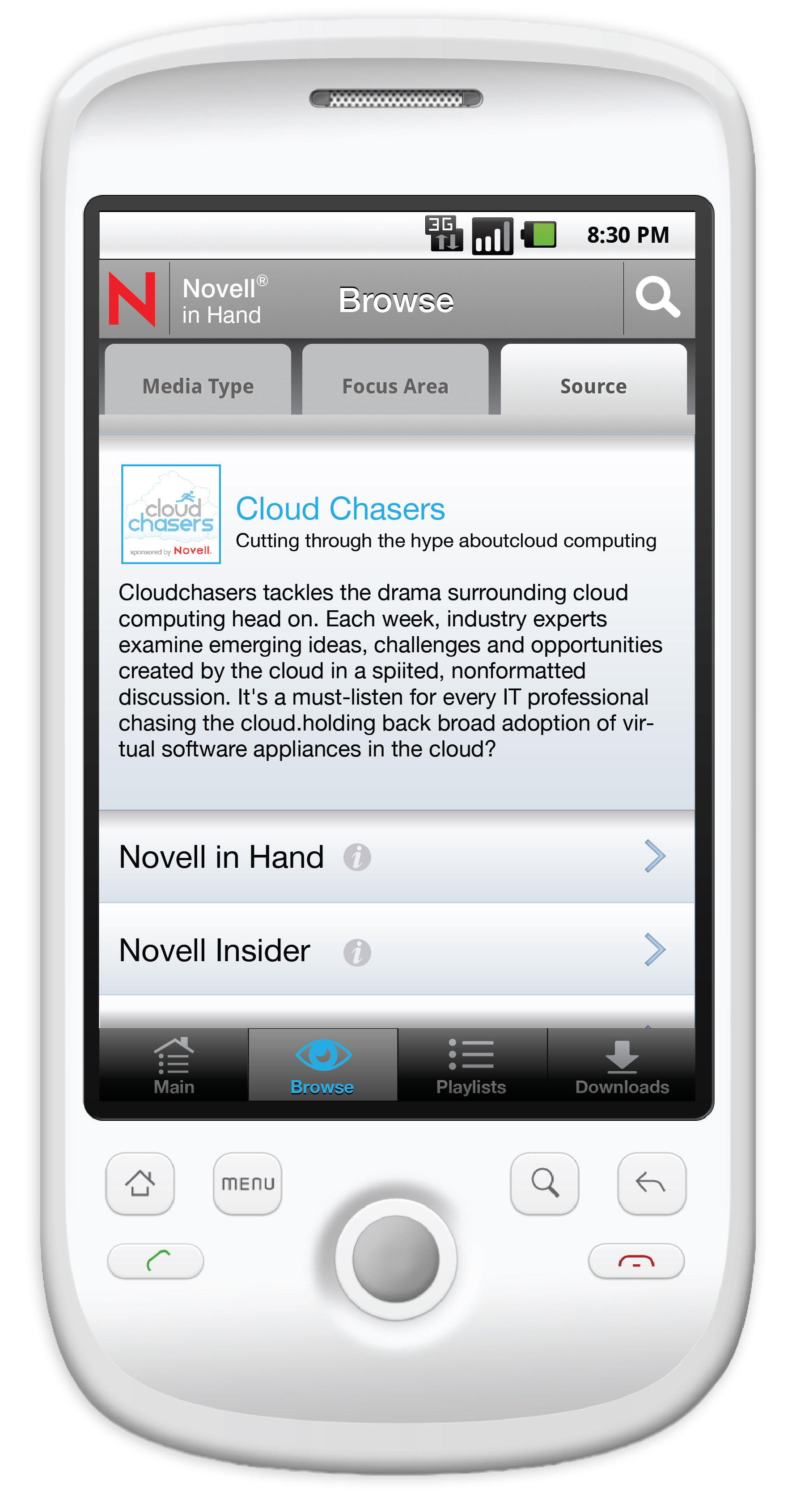
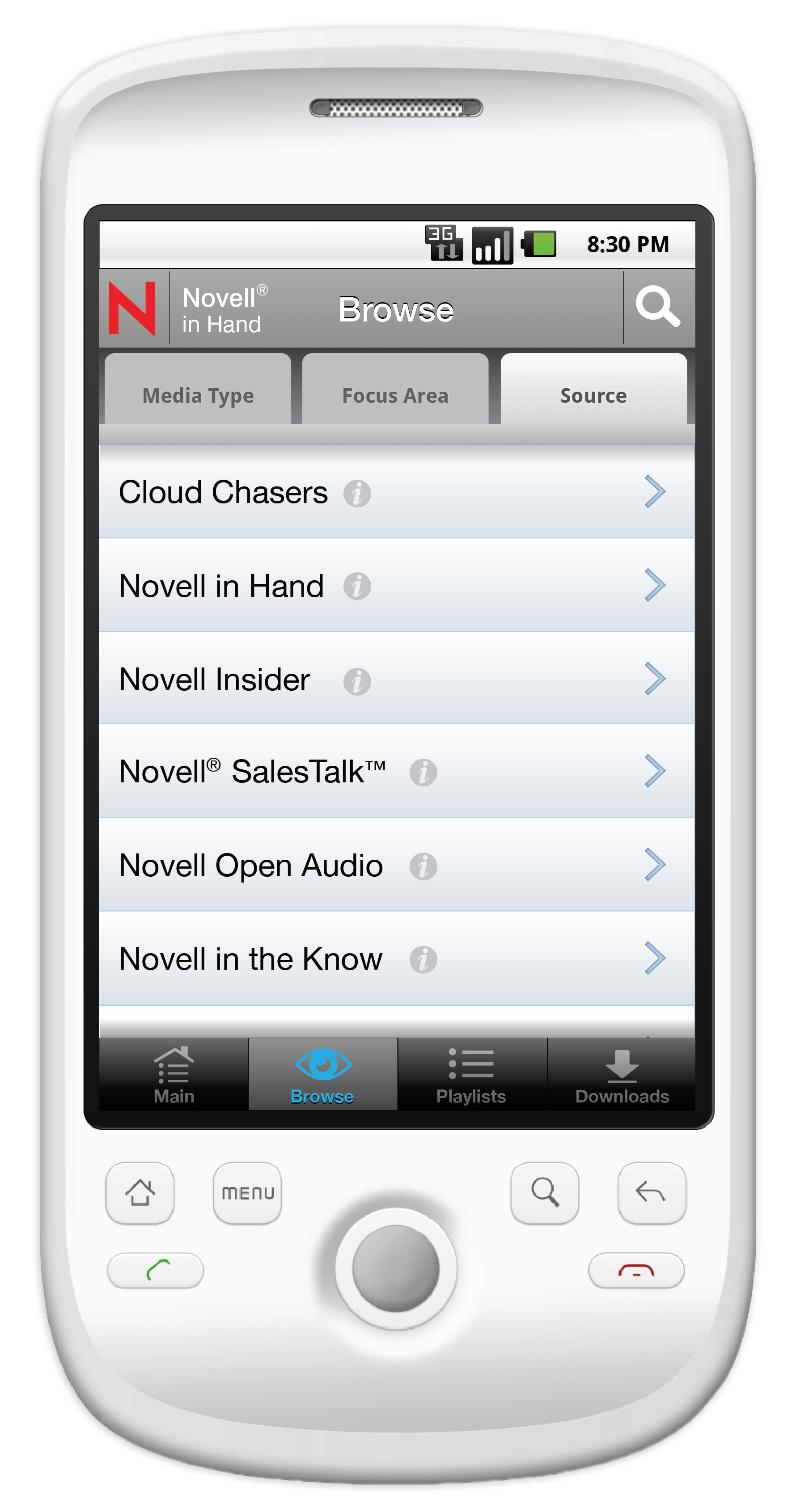
Legacy Interface
The original 2011 designs presented an opportunity to enhance usability and align the visual language with modern standards. This was the catalyst for the redesign project.

Structuring a New Experience
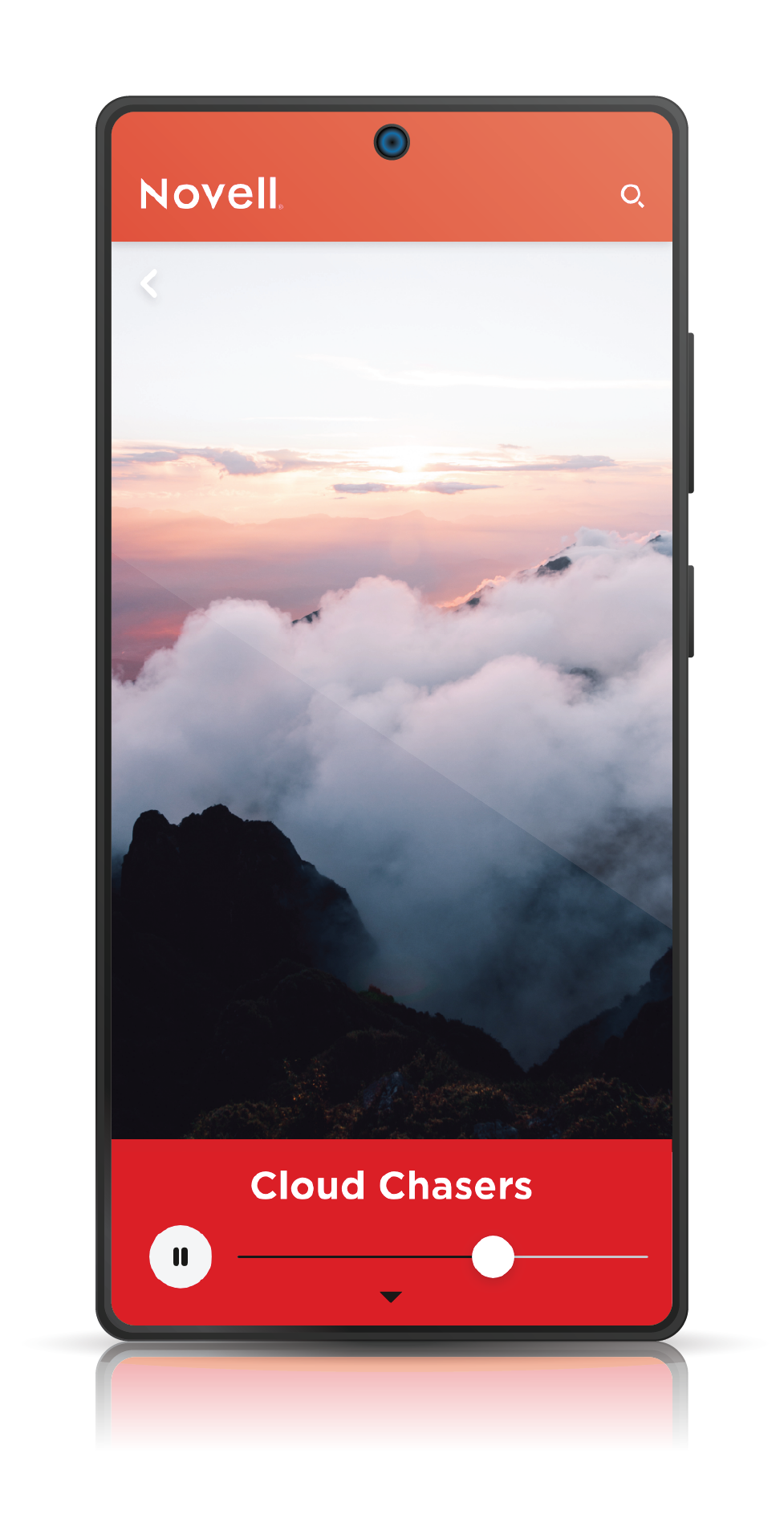
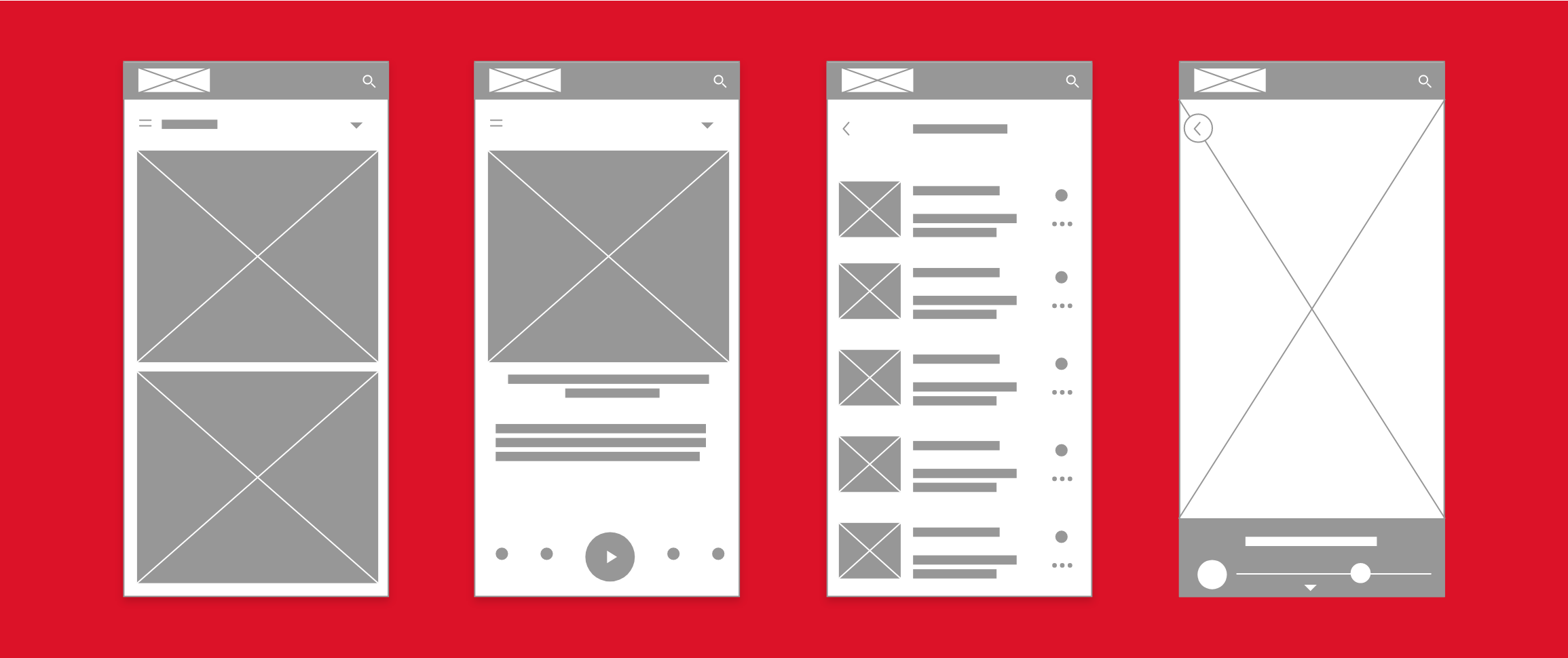
The first step in the redesign process was to map out a new user experience. These wireframes establish a solid structure, prioritize key actions, and introduce a more intuitive layout.
Revitalizing a legacy enterprise tool with modern Android interface standards
-
In 2011, I designed the original user interface for Novell's "Novell in Hand" video player for Android. While the app was successful at launch, mobile design conventions and user expectations have evolved significantly since.
-
As a professional exercise, I revisited the project to apply modern UX principles and UI patterns. The primary goal was to restructure the app's information architecture and user flows to create a more intuitive and efficient user experience.
-
UX Audit: I began by deconstructing the original 2011 design to identify key areas of friction and outdated navigational patterns.
Wireframing: I developed a new set of wireframes focused on simplifying core tasks, improving content discovery, and establishing a clear visual hierarchy.
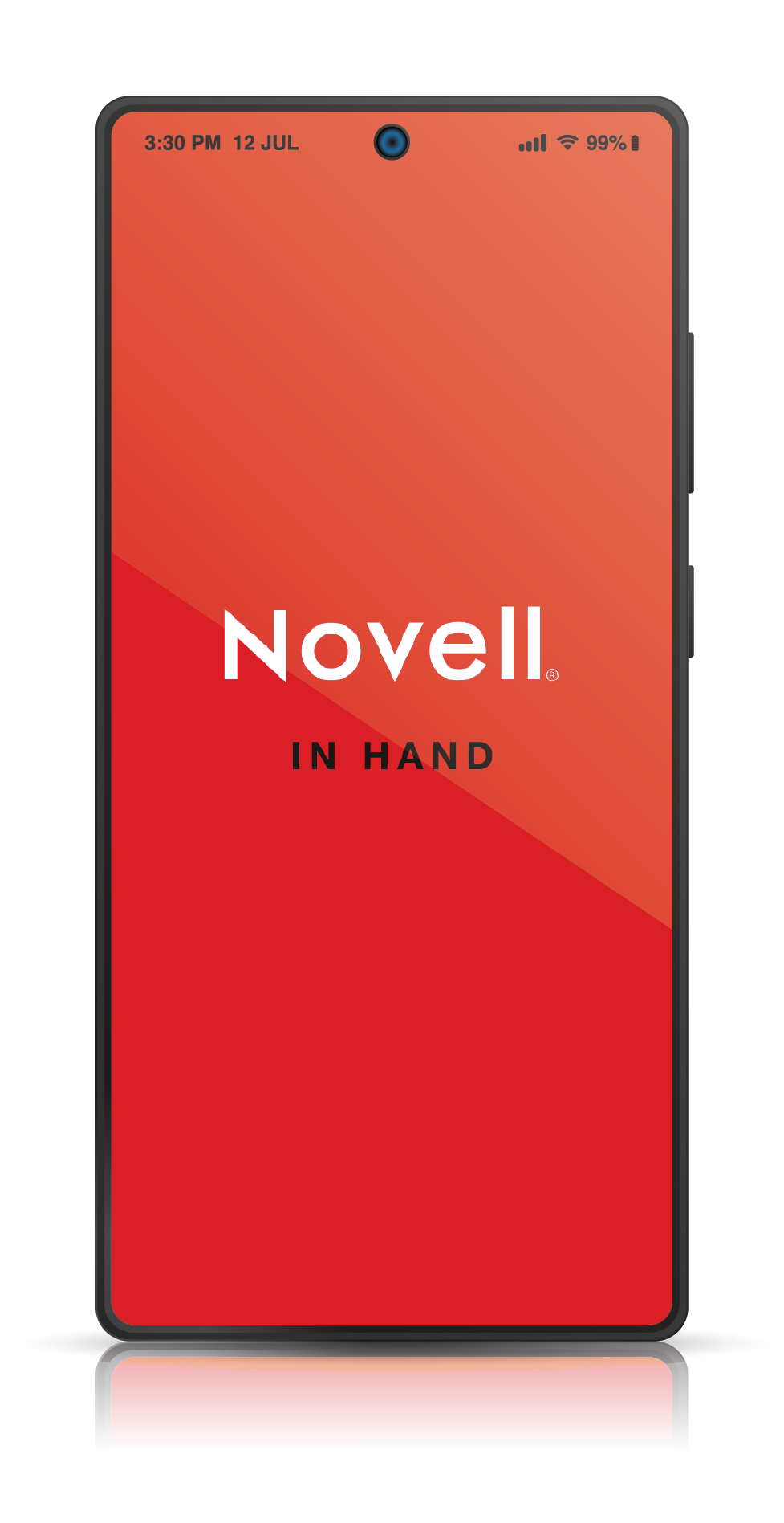
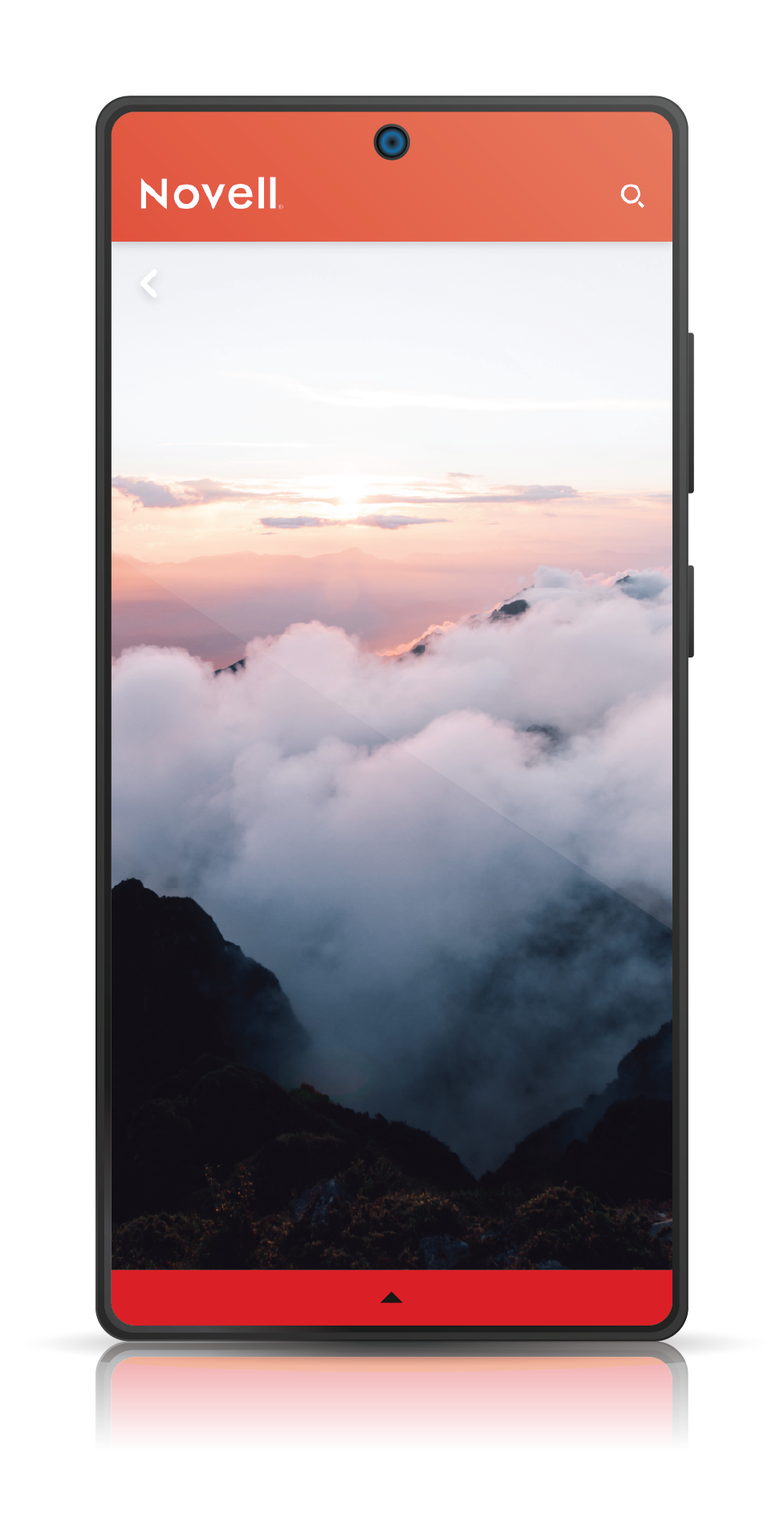
UI Modernization: Based on the new wireframes, I designed a clean, high-fidelity user interface that aligns with current Android design standards.
Outcome: The result is a conceptual redesign that transforms a dated interface into a user-friendly, modern application, showcasing a deep understanding of mobile UX evolution.